A redesign is one of the biggest marketing investments most companies make. Done well, it lifts conversion, makes your team faster and gives your brand room to grow. Done badly, it wipes out years of search rankings overnight.
Here is the checklist we run through on every website project.
1. Start with goals, not pages
Before anyone opens a design tool, agree on what the new site must achieve. Pick two or three measurable goals — more demo requests, higher average order value, fewer support calls — and write down the current baseline for each.
2. Audit what you already have
Export every URL, its traffic and its backlinks. Some old pages quietly bring in a lot of leads. You need to know which ones before you start moving things around.
- Top landing pages by organic traffic
- Pages with the most backlinks
- Pages that generate the most conversions
- Content that is outdated, duplicated or never visited
3. Map content to journeys
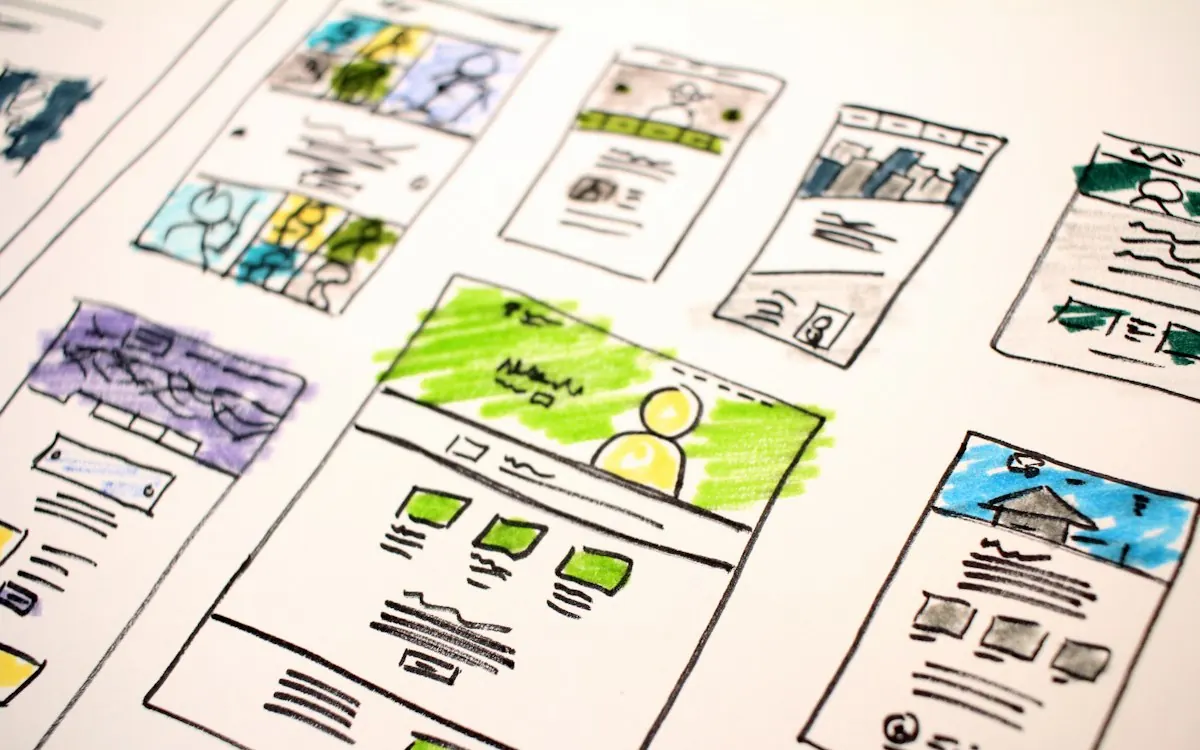
Instead of copying your old sitemap, map the questions visitors ask at each stage of their decision. Every page should answer one of those questions and point clearly to the next step.
4. Design the system, not just the pages
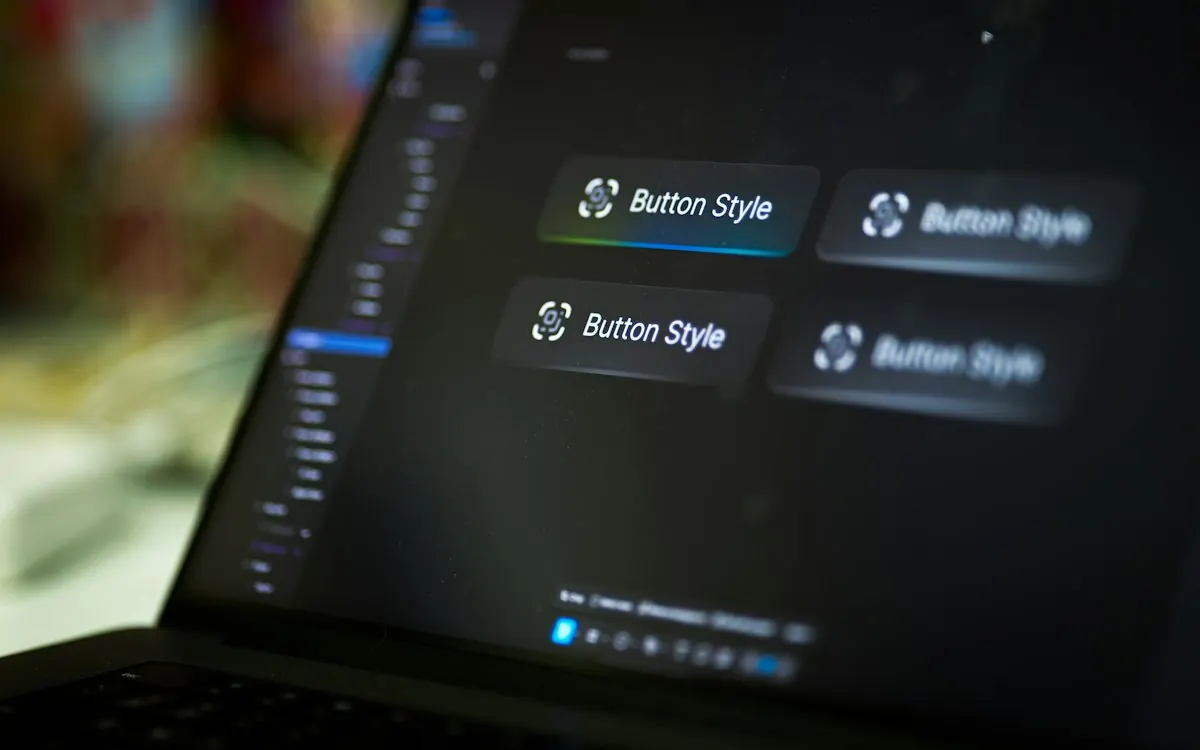
Design reusable components — hero, feature grid, testimonial, pricing, FAQ — and test them on real content. A good component system keeps the site consistent long after launch.
5. Plan redirects early
Create a redirect map from every old URL to its closest new equivalent. Test it on staging. This one step protects most of the SEO value you have built.
6. Treat performance and accessibility as features
Set a performance budget, optimise images, and test with a keyboard and screen reader. Fast, accessible sites convert better for everyone.
7. Launch calmly, then keep improving
Launch on a quiet day, monitor analytics and search console closely, and fix issues quickly. Then start testing: the launch is the beginning of optimisation, not the end.
A redesign succeeds when the numbers move — not when the new homepage goes live.