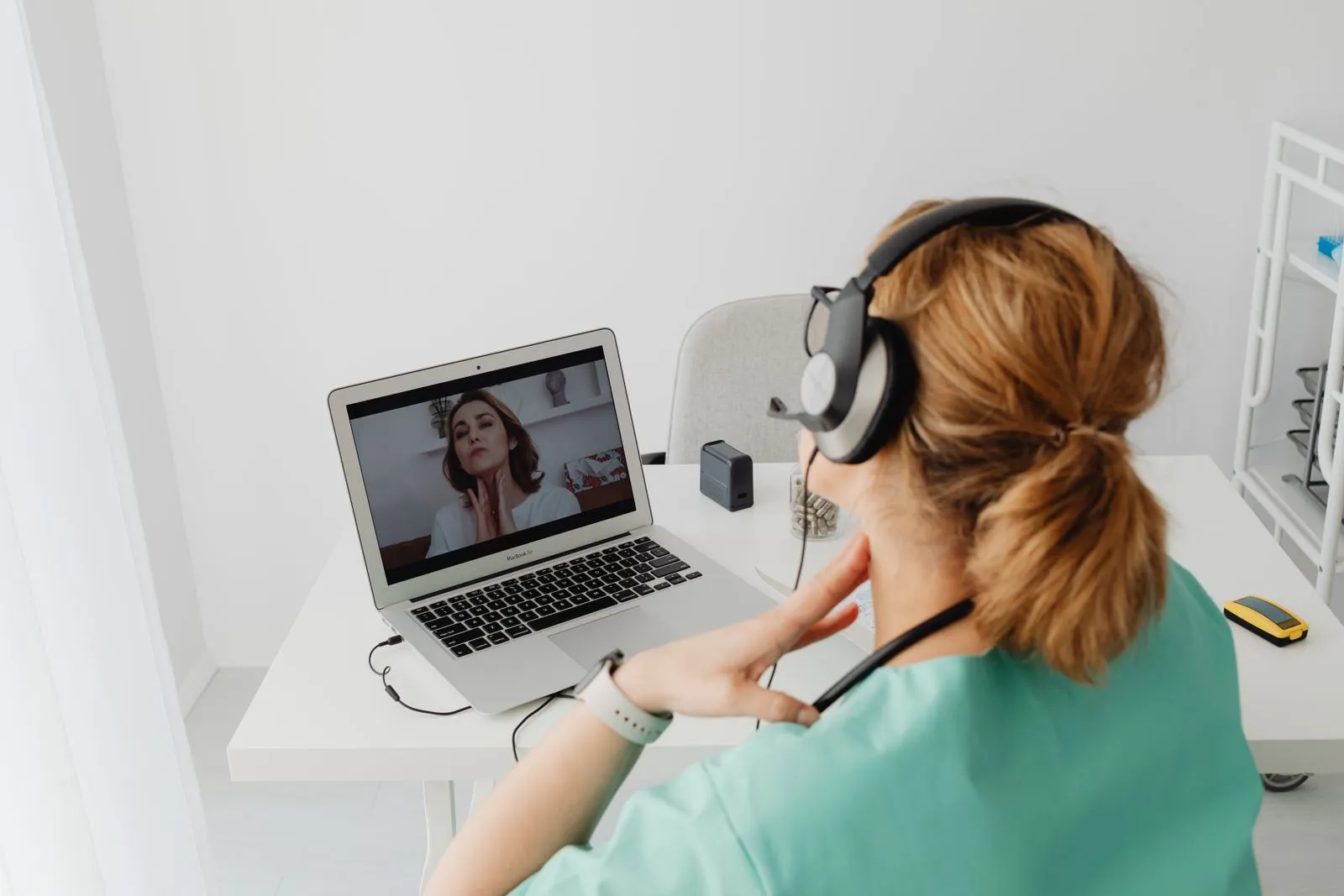
Patient Guides
Preparing for Your First Video Consultation
A short checklist to help your first video visit run smoothly, from your device to your questions.

A few minutes of preparation can make your first video visit feel easy.
Before the call
- Check your device. Make sure your camera and microphone work and your battery is charged.
- Find a quiet spot. Good lighting in front of you helps your clinician see clearly.
- Gather information. List your symptoms, when they started and any medications you take.
- Write down questions. It is easy to forget them once the call starts.
During the call
Speak openly and ask for clarification if anything is unclear. Your clinician may ask you to move the camera to show something.
After the call
Read your visit notes and follow the plan you agreed on. Use messaging if a question comes up later.
Demo theme content. Replace with guidance reviewed by your clinical team.
General information only. This article is demo content for a website theme and is not medical advice. Always consult a qualified clinician.